01
AI Workflow & Opportunity Assessment
Work→Map→Pilot
Identify where AI can reduce repeated work—and what a useful pilot should measure.
Workflow audit + prioritised opportunities
PRACTICAL AI FOR TECHNICAL BUSINESSES
Make complex work flow. Dubai-based h.ai helps construction and technical teams connect documents, approvals and follow-ups through practical AI and ConTech workflows.
Engineering . Construction . Maintenance . Inspection . Technical Operations
Illustrative workflow · no live project data
01 / THE PROBLEM
Less time searching and chasing. More clarity about what happens next. Start with the task that slows your team down.
02 / OUR SERVICES
Start with one bottleneck. Find the opportunity, test the workflow and equip the team.
Identify where AI can reduce repeated work—and what a useful pilot should measure.
Workflow audit + prioritised opportunities
Connect changes, approvals and department handoffs around your project.
Coordination pilot + accountable owners
Explore the ConTech service →Find, compare and question technical information with sources you can check.
Source-linked outputs + document validation
Try h.ai Documents →Build focused AI workflows and train the people who use them.
Tested pilot + handover + practical training
CONTECH / PROJECTS & PILOT WORKFLOWS
BIM, BOQ and project information connected around the decisions your team needs to make.
Project concepts and pilot workflows. Status is stated for each item; these are not published client results.
BIM CHANGE & IMPACT INTELLIGENCE
Planned product · concept walkthrough
Compare BIM / IFC revisions, highlight added, removed and changed elements, and prepare an impact review across engineering, quantities, procurement and programme dependencies.
Inputs: Two model revisions, element identifiers and agreed review rules.
Output: A traceable change register, affected items and accountable review actions.
Review: Engineers validate geometry and model mapping. Commercial and planning teams confirm cost and programme implications.
CONNECTED MODEL & COMMERCIAL REVIEW
Proposed pilot workflow
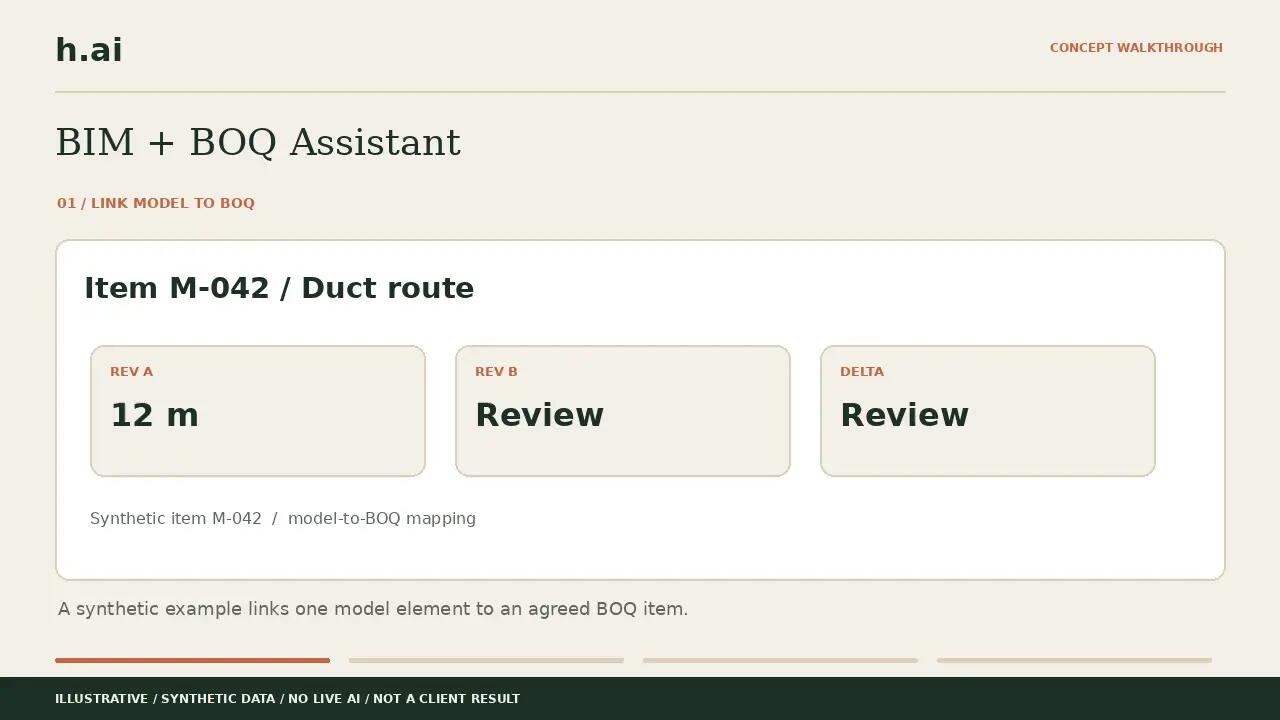
Link model elements to agreed BOQ items, compare quantities between revisions and flag items needing a commercial check. Keep quantity changes, rate assumptions and source references visible.
Inputs: Model quantities, BOQ item mapping, units and an approved rate basis.
Output: A reviewable quantity delta and an illustrative line-value calculation.
Review: Quantities, units, rates, exclusions and measurement rules require QS / estimator approval. This does not automatically remeasure, price a claim or approve a variation.
CROSS-DEPARTMENT COORDINATION
Proposed workflow · existing rules-based prototype
Follow an equipment substitution or procurement issue from the source record through technical, commercial, programme and site-release reviews. Support project managers with an accountable handoff trail.
Inputs: Change record, relevant documents, dependencies and review authorities.
Output: Affected work, required decisions and a clear owner for each next action.
Review: Your authorised team retains decisions and release authority. Programme effects require an agreed schedule and validated dependencies.
PRE-BID DOCUMENT INTELLIGENCE
Pilot offering · illustrative prototype
Extract scope and requirements, compare BOQ and addenda, flag discrepancies and prepare clarification questions linked to their source.
Inputs: Authorised tender documents, BOQ and issued addenda.
Output: Source-linked requirements, review flags and draft clarification questions.
Review: Estimators and commercial reviewers confirm findings. No automatic bid pricing, bid approval or submission.
04 / USE CASES
Practical starting points, shaped around your documents and working methods.
Review tender specifications and bills of quantities (BOQs), extract requirements and flag omissions or clarification questions for the estimating team.
Turn site observations into structured inspection report drafts, with action owners and items requiring an engineer’s review.
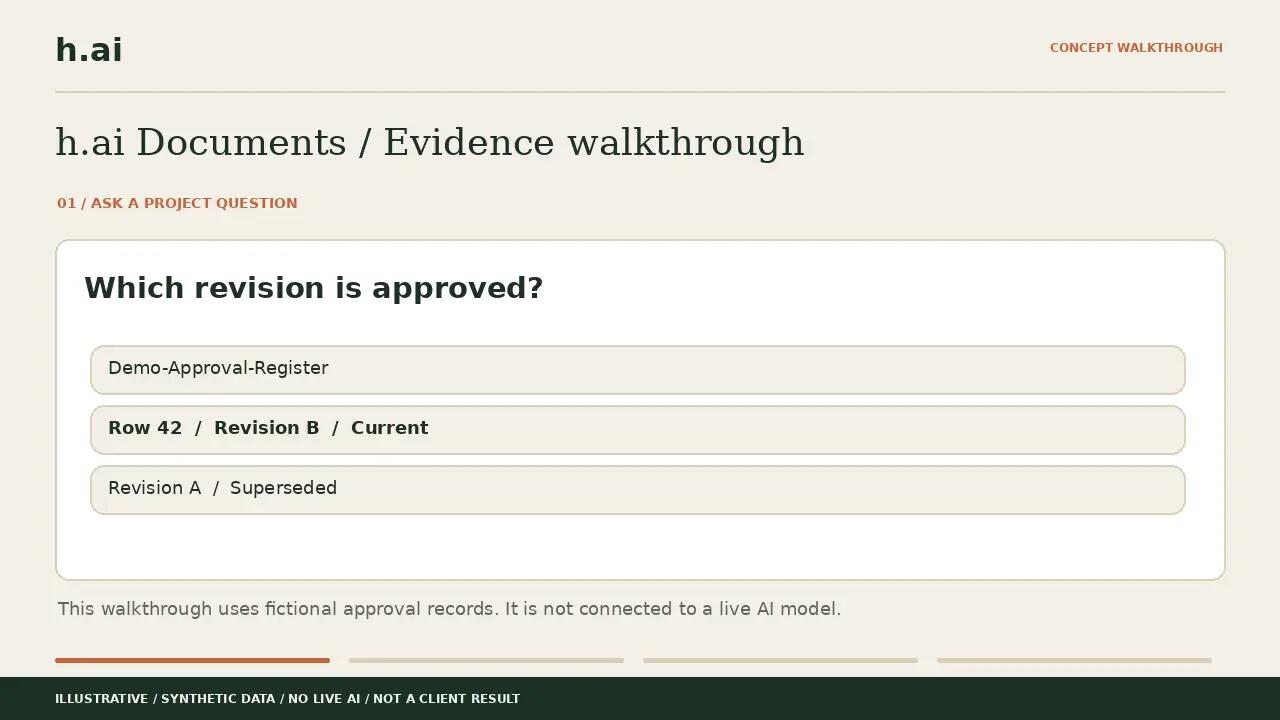
Search approved project documents and return answers with supporting references so engineers can check the evidence.
Compare document revisions and supplier quotations, highlighting scope differences, exclusions and missing information for review.
Organise updates and track the next action.
Assess computer vision on representative site images.
05 / INTERACTIVE PROTOTYPES
Click, change an input and follow the workflow. Each example uses fictional data.
Follow a fictional construction change request from source evidence to engineering, commercial and site handoffs, with human approval points.
Compare sample tender requirements with a quotation, identify gaps and prepare clarification questions for review.
Convert fictional site observations into an inspection report draft and review the proposed actions before release.
Enter task frequency and time assumptions to estimate a workflow opportunity. Results are scenarios, not measured client savings.
These prototypes use calculations and guided rules with fictional data. They show proposed workflows; they are not client results or connected production AI systems. No project approval or message is sent.
H.AI WORKFLOW LAB
DOCUMENT & KNOWLEDGE INTELLIGENCE
Choose a fictional construction file. Ask a question. Open the supporting evidence.
Scripted browser simulation with fictional data. The separate local Windows application is an internal prototype. No confidential uploads, live LLM or client deployment is demonstrated here.
Scripted browser simulation with fictional data. The separate local Windows application is an internal prototype. No confidential uploads, live LLM or client deployment is demonstrated here.
06 / HOW WE WORK
Define the bottleneck and a useful result.
Agree sources, access and review rules.
Test representative inputs and check outputs.
Hand over, train and expand when ready.
07 / GETTING STARTED
We start with the specific issue that slows your engineers or project managers down, then map the information, departments and decisions involved. The pilot is configured around that workflow, including source records, ownership, integrations and approval rules.
The system can organise evidence, flag dependencies and prepare actions for review. Your authorised team retains control of technical decisions, commercial agreement and the release of changed work. Approval rules are agreed during scoping.
No. Start by describing the workflow and the problem you want to solve. We assess which approach fits the information, systems, and people involved.
Yes. A focused review or pilot gives both teams a clear scope and a way to assess the result before considering a wider rollout.
We assess document quality, available integrations, and access restrictions during scoping. Where important information is missing or unreliable, that becomes part of the implementation plan.
We can assess local and private deployment options. Suitability depends on the task, model capability, hardware, integrations, and the organisation's data requirements.
Yes. Workshops can cover practical prompting, evaluating AI outputs, and exercises based on departmental workflows. The content is adapted to the audience's experience.
ABOUT h.ai
h.ai is a Dubai-based AI consultancy helping engineering, construction and technical businesses improve how they use information and manage repetitive work.
We combine workflow assessment, focused AI implementation and practical team training. Start with one bottleneck, agree the information and review rules, and test a useful result before expanding.
Operated by HAI Digital Intelligence - FZCO, Dubai, United Arab Emirates.
Discuss your workflow →09 / CONTACT
Tell us what your team keeps chasing, waiting for or repeating. We’ll discuss a sensible first step.
Email h.ai →[email protected]Start with a short description of your workflow. Project documents can be discussed after the initial conversation.